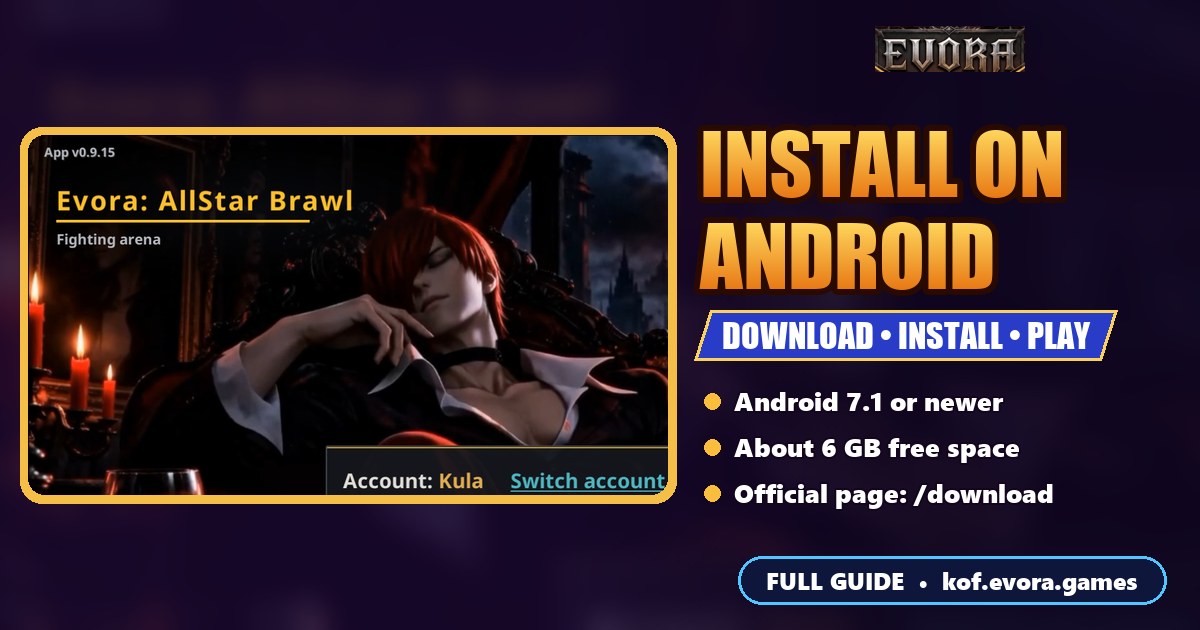
Follow these steps to install Evora: AllStar Brawl on an Android phone or tablet.
Before you start
- Android 7.1 or newer (Android 10+ recommended), a 64-bit ARM chip with OpenGL ES 3.0.
- Free storage: at least 6 GB (8 GB or more recommended). The app is about 1.35 GB and the first launch downloads about 1.3 GB more; some extra content is fetched in the background while you play.
- RAM: 3 GB works (the game switches to a light graphics mode); 6 GB or more runs with full graphics.
- Use Wi-Fi for the downloads.
Install steps
- Open the official download page on your phone. Download only from this page or, once they are available, from the official app stores. Store links are not public yet; until then the page shows “Coming soon” on buttons that are not ready.
- Tap the Android download button and save the file.
- Open the downloaded file. If Android blocks it, open Settings and allow your browser (or file manager) to install unknown apps, then go back and tap Install.
- Open the game. On the first launch it downloads extra game data, so keep your connection on until it finishes.
- Log in. You can start with Quick Play (a guest account tied to your device), or use a username and password.
A Quick Play account only lives on the device that created it. In the game, link a username and password to it so you do not lose your characters if you change phones or reinstall.
Updating
When a new version is released, download the new file from the same page and install it over the old one. Your data and account are kept.
Troubleshooting
- “App not installed”: free up storage and try again.
- Download is slow or stops: switch to a stable Wi-Fi network and reopen the game; it resumes loading.
- Still stuck? Write to [email protected] with your phone model and Android version.
Data as of 27/11/2026.